ProjectTeam Logo - White with colored dots - landing pages-1

All-In-One Construction Management Software

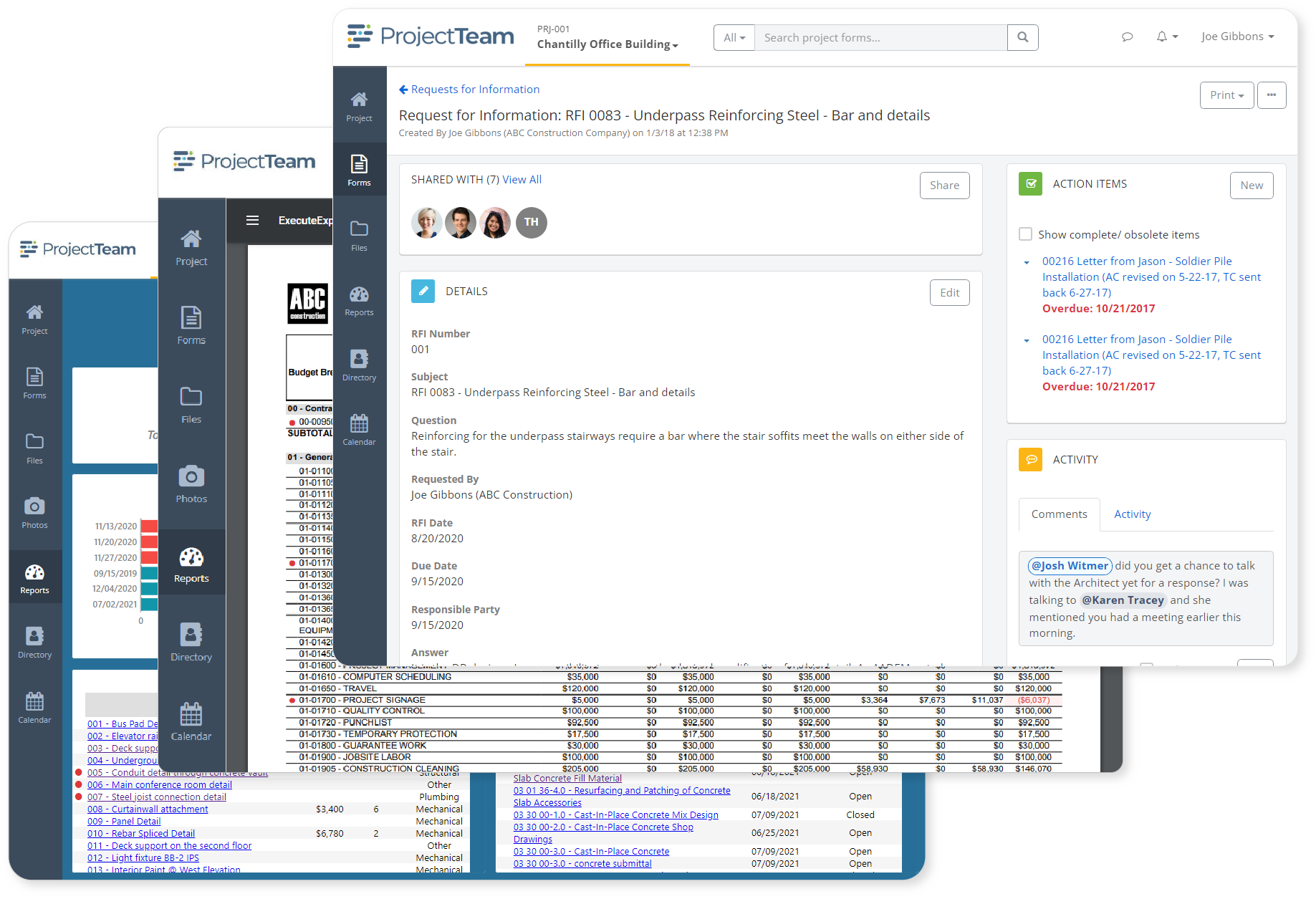
ProjectTeam.com is an exact-fit construction management software platform that is fast, intuitive, and customizable to fit your exact project management needs. Register for a live demonstration to see how ProjectTeam.com can help you exceed your project goals.

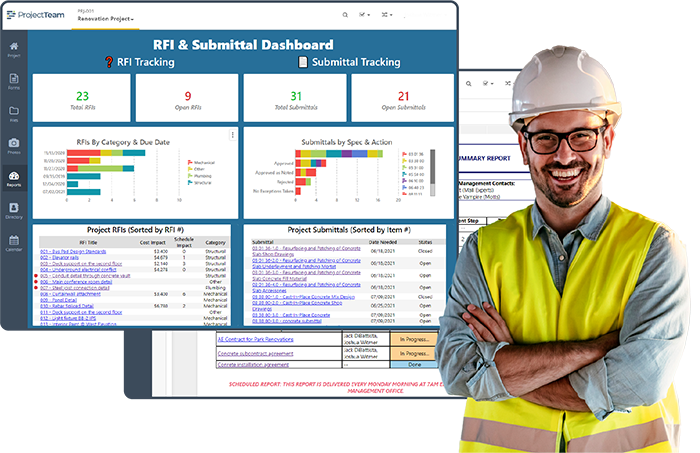
Construction user with dashboards

Request a free demo to see ProjectTeam.com in action

One Connected Platform for Complex Projects

ProjectTeam.com connects documents, costs, schedules, and teams in one environment built for the owner, architectural, engineering, and construction (O/AEC) community. 

A place for all of your data
FULL PROJECT LIFECYCLE, ONE SYSTEM

Manage Documents, Costs, Schedules, and Teams Without Switching Systems

Keep your entire project team working from the same information. ProjectTeam.com connects RFIs, submittals, drawings, contracts, change orders, payment applications, and schedules in a single environment so every decision is based on current data.

Built-in reporting and dashboards give owners and project managers live visibility into project performance without assembling data manually. Group, sort, and filter across projects and programs to surface what matters.

Role-based permissions give every organization control over their own data while keeping the full project team aligned.

“ProjectTeam.com is a great construction project management tool. They have extremely robust reporting and dashboard capabilities.”

EVERY PROJECT RECORD, ALWAYS ACCESSIBLE

Keep Your Project Information Organized, Searchable, and Connected

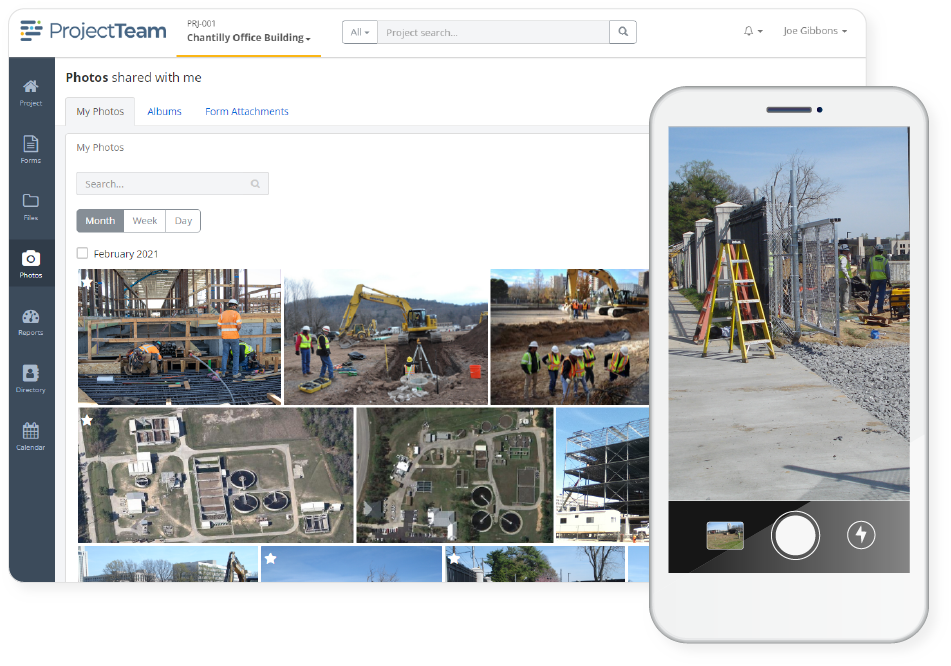
Every record generated across the project lifecycle lives in one searchable, organized environment so nothing gets buried or lost between teams. ProjectTeam.com gives every project unlimited storage for files, photos, forms, and reports, all organized in folders and albums your team can access from any device.

Photo documentation is built directly into the project record. Field teams capture timestamped, attributed photos from the jobsite and attach them to field reports, punch list items, and inspections, creating a visual audit trail that supports dispute resolution, quality control, and compliance.

“The ProjectTeam.com photo management tool is a total game-changer. I don't know how we survived without it.”

Files, photos, and documents in ProjectTeam.com
Manage your business not just your projects
A PLATFORM THAT ADAPTS TO YOU

Custom Construction Management, Configured Around Your Processes

Every construction organization manages projects differently. ProjectTeam.com gives administrators the tools to build custom forms, add fields of any type, configure multi-step approval workflows, and create project templates that standardize processes across every project. All from the user interface with no coding required.

The result is a construction management software platform that works the way your team works. Field teams see what they need. Project managers control what moves forward. Owners get the visibility they expect. Every role gets an experience configured around how your organization actually runs projects.


“Overall, Project Team.com has allowed me to perform my job easier and allow me to spend more time actually leading and managing the project. ProjectTeam.com allows us to engage with the designers, owners, contractors, and other stakeholders more efficiently.”

A Construction Management Software Platform With Everything Included

ProjectTeam.com is built to cover every phase of a construction project. The features below are all included, configured to work together from day one. 

check

Drawings

check

Field Reports

check

Punch Lists

check

RFIs

check

Specifications

check

Submittals

check

Files & Folders

check

Photo & Albums

check

Budgets

check

Contracts

check

Change Orders

check

Payment Applications

check

Custom Forms

check

Visual Workflows

check

Interactive Reports

check

Real-Time Dashboards

Ready For Your Demo?

See what ProjectTeam.com can do for your organization by setting up a customized demo with one of our product experts.